
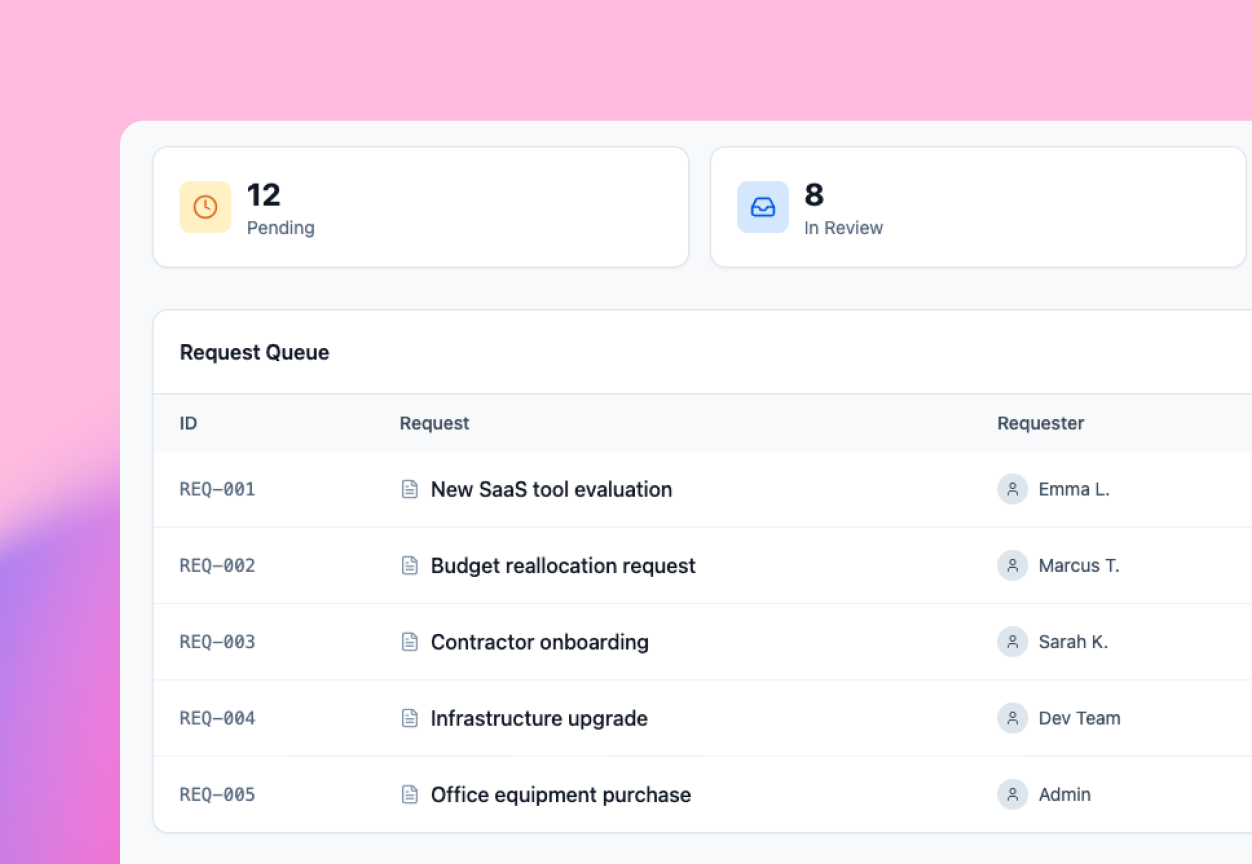
Every request. A clear owner.
Bring requests into one place, route them to the right person and keep progress visible.

Lovable for Operations
Turn the spreadsheets, approval threads and manual follow-ups holding your team back into software built for the way you work.
Your team knows the process. Now they can build the tool.
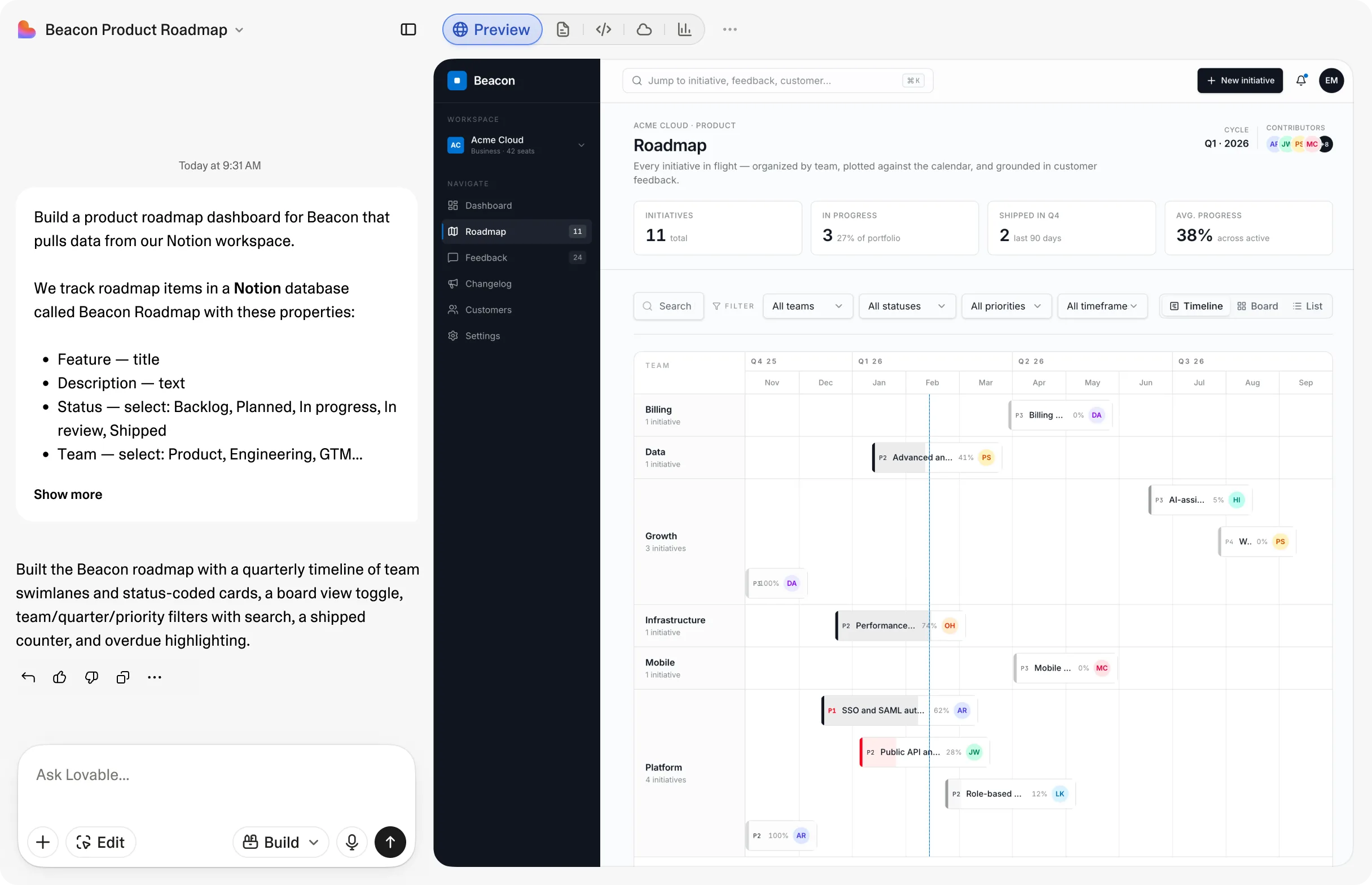
Real teams use Lovable to build software around the way they work.
Customer stories




Built around your work
Start with the work your team knows best. Describe the process, then build a tool that fits it.
Find your first workflow
Bring requests into one place, route them to the right person and keep progress visible.
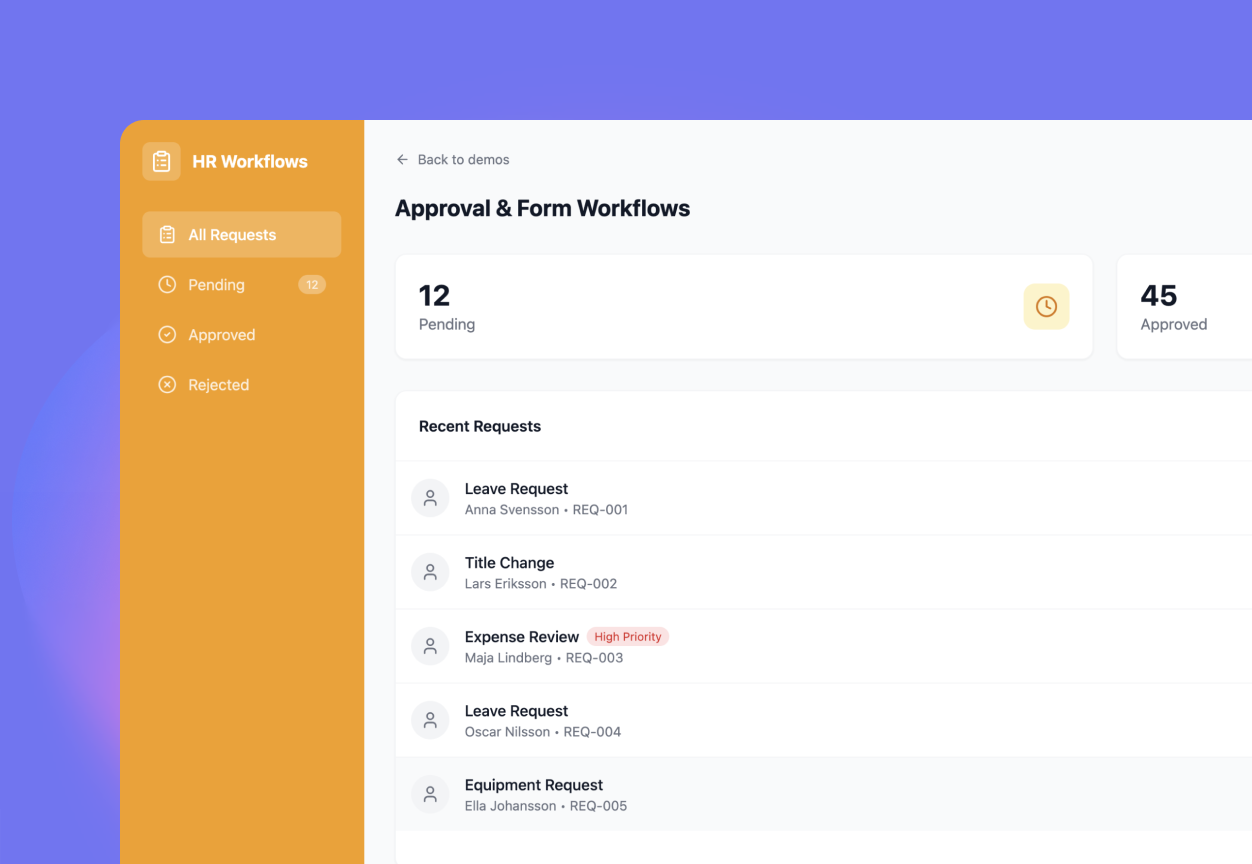
Capture the right inputs, send each request to its reviewer and give everyone a clear next step.
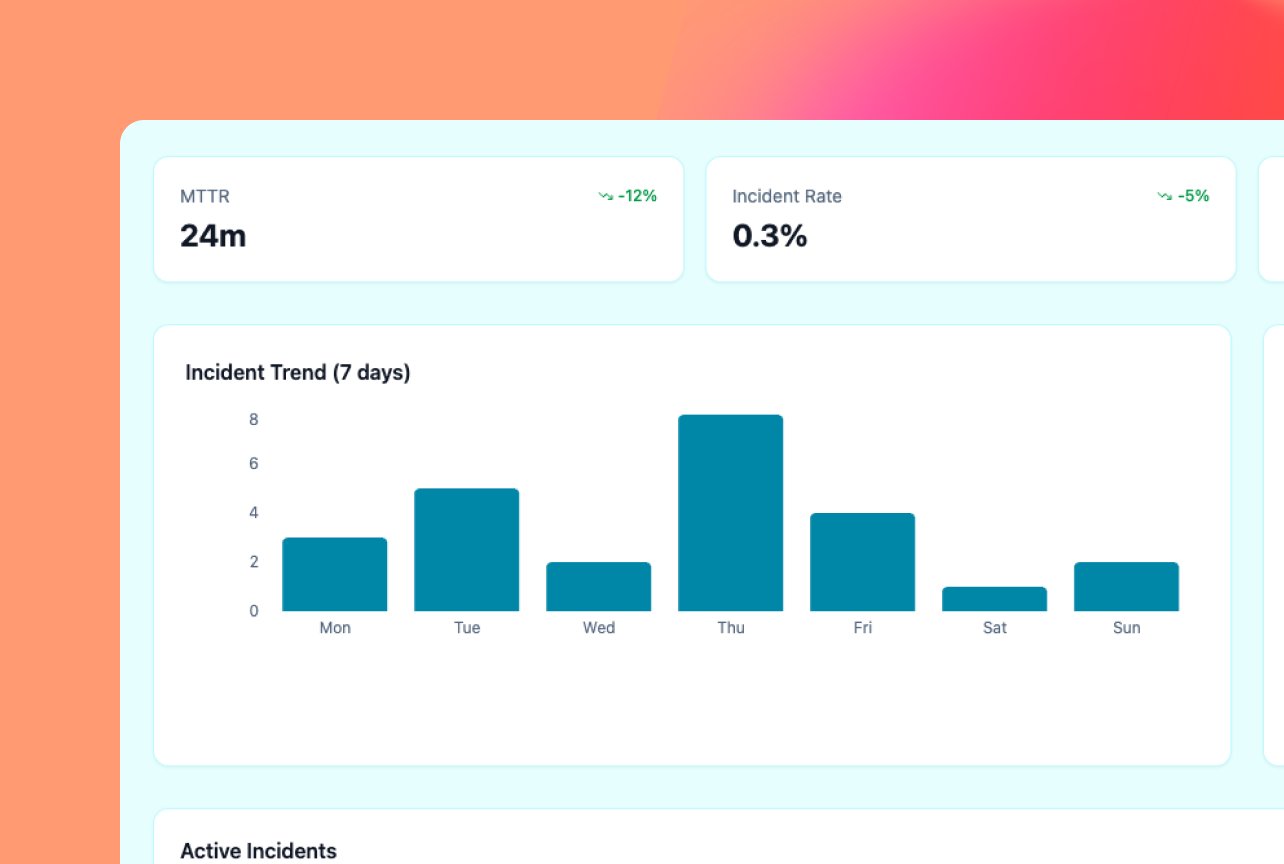
Build a shared view of operational performance so your team can spot what needs attention.
Built by real teams
Four teams. Four ways to build around a real business need.
Property operationssaved on the first build
The Scion Group rebuilt its property-inspection tool with Lovable. Its first build saved $35,000, with 24 apps in production in under four months.
 Agent operations
fewer website support tickets
eXp Realty rebuilt its agent website platform across 26 countries. Its new sites reduced agent support tickets by 85%.
 Product delivery
to build a new product
Nursa built a new product for nursing students and colleges in a weekend. The company now uses Lovable across its business.
 Revenue operations
reported annual CRM cost, down from $40K
Atonom replaced its Salesforce contract with a CRM built in Lovable. Reported annual costs fell to about $1,200, including hosting.

Scion customer story
Results reported in Lovable customer stories. Outcomes depend on the workflow, implementation and organization.
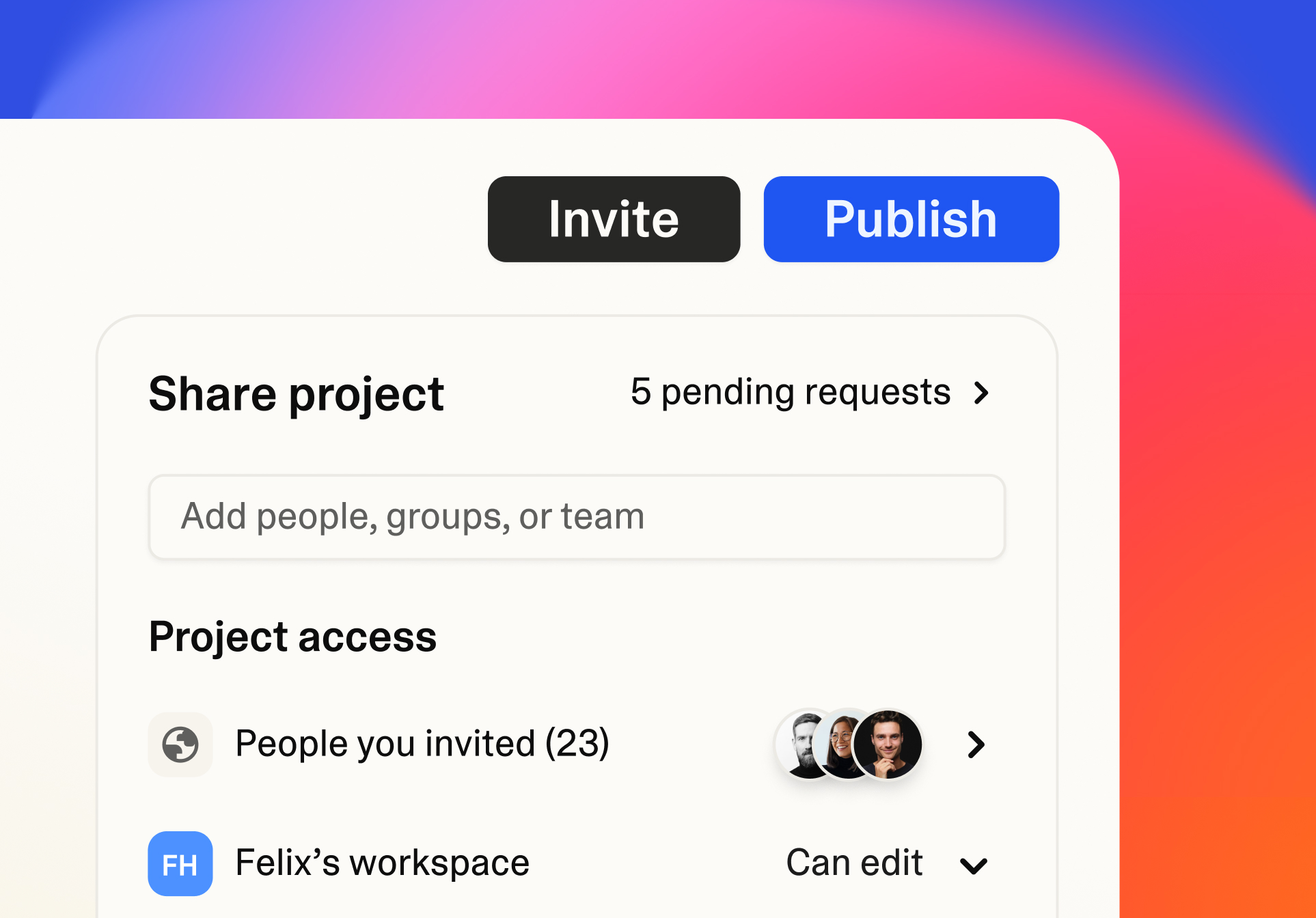
Built with IT in the loop
With Lovable Enterprise, give your teams room to build and your IT team visibility into what gets published.

Set who can publish and who can access each app.

Review security scans and audit logs as your tools evolve.

Your code stays yours, with GitHub sync for engineering review.
Enterprise controls depend on your plan.
A practical first step
Bring a workflow you want to improve.
Book an Ops demo

Start with one well-understood workflow: request intake, an approval process or a shared operational report. Define its users, inputs and success criteria before expanding.
Teams can describe and refine tools themselves. Bring engineering into complex integrations, technical review and maintenance decisions as your workflow requires.
Lovable offers connectors for supported services. Check the current connector directory and review your data and integration requirements with your team.
View connector directoryLovable Enterprise adds publishing and access controls, security visibility and audit logs. Confirm plan requirements and your rollout with the Lovable team.
Your code stays yours. GitHub sync supports engineering review and continued development. Assign an owner to each internal tool and plan for ongoing updates.